
# Nginx 单点教程
# 软件安装
# 上传软件至 Linux 服务器/home/alinesno/soft/目录
此处用户可以使用 xftp 或者 xshell 等工具,书要简言
# 编译安装
安装依赖包
yum -y install openssl openssl-devel
yum -y install pcre pcre-devel
安装 nginx
 解压
tar -zxvf ~/soft/nginx-1.14.1.tar.gz -C ~/nginx/
cd /home/alinesno/nginx/nginx-1.14.1

 安装
./configure --prefix=/home/alinesno/nginx --with-stream
make
make install
 删掉源码包
rm -rf ~/nginx/nginx-1.14.1/
配置 nginx
cd /home/alinesno/nginx
 创建http应用配置目录
mkdir -p conf/http.conf
 创建tcp转发配置目录
mkdir -p conf/tcp.conf
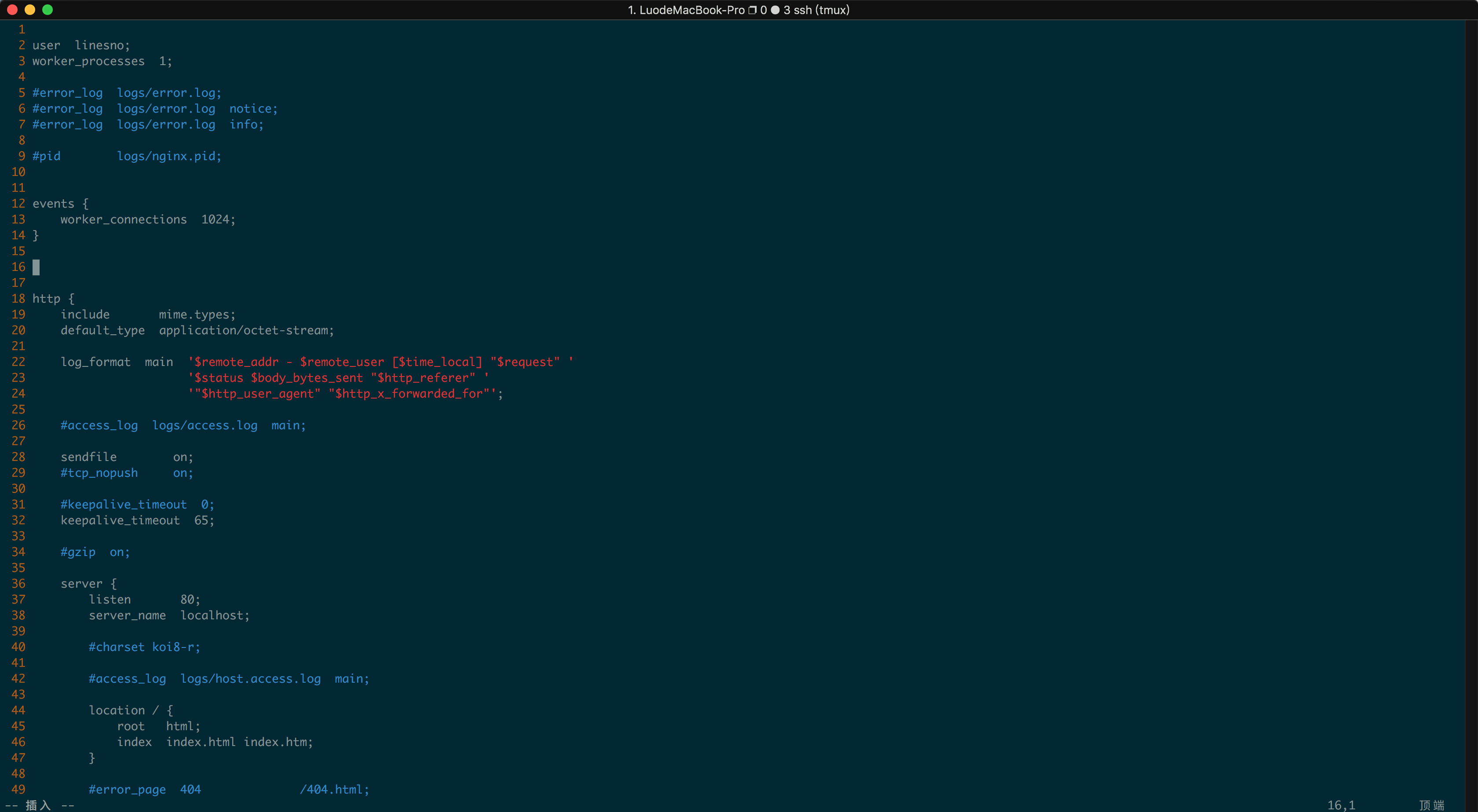
编辑nginx.conf文件:
vim ~/nginx/conf/nginx.conf
调整以下内容
 修改user
user alinesno

 打开日志格式
log_format  main  '$remote_addr - $remote_user [$time_local] "$request" '
                  '$status $body_bytes_sent "$http_referer" '
                  '"$http_user_agent" "$http_x_forwarded_for"';

 添加socket配置
include ~/nginx/conf/tcp.conf/*.conf;

 添加配置
include ~/nginx/conf/http.conf/*.conf;
如下图:
# 应用启动
启动命令
 启动命令
sudo ~/nginx/sbin/nginx

 重新加载配置
sudo ~/nginx/sbin/nginx -s reload
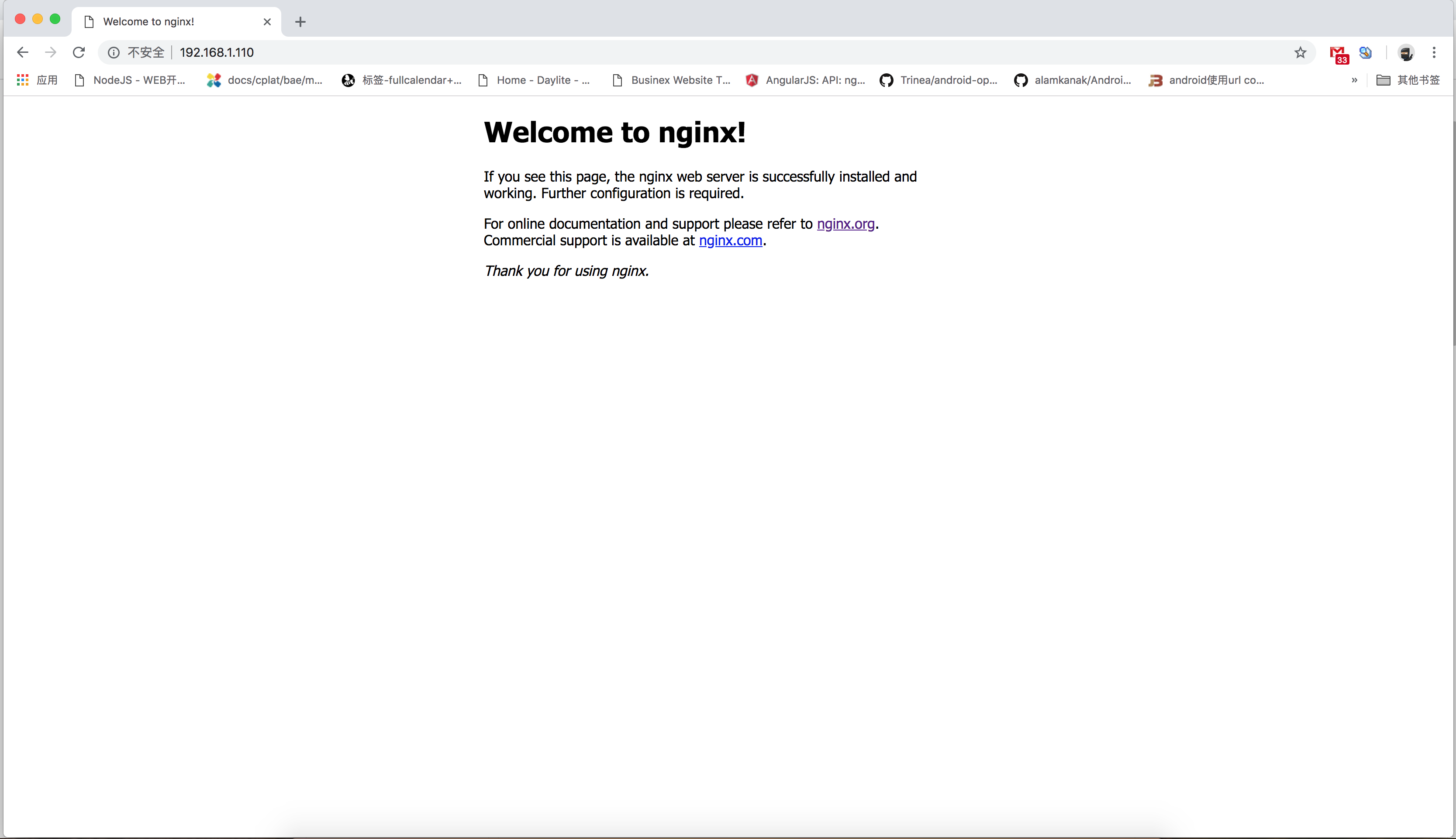
浏览器访问,输入网址http://192.168.1.110 (opens new window)
# 添加 nginx 开机自启动
cd /etc/rc.d
vim rc.local
 nginx开机自启
/home/alinesno/nginx/sbin/nginx
保存后退出,给 rc.local 赋权
chmod +x /etc/rc.d/rc.local
重启时查看 rc.local 脚本执行状态
systemctl status rc-local.service
# 参考资料
- 略